Route Policy Sets
Route policy sets control how BGP routes are accepted, rejected, and modified as they are imported or exported by your machines. They allow you to filter routes, set preferences, and manipulate BGP attributes to shape traffic flow within your mesh network.
List Page
The Route Policy Sets list page shows all policy sets in your account.
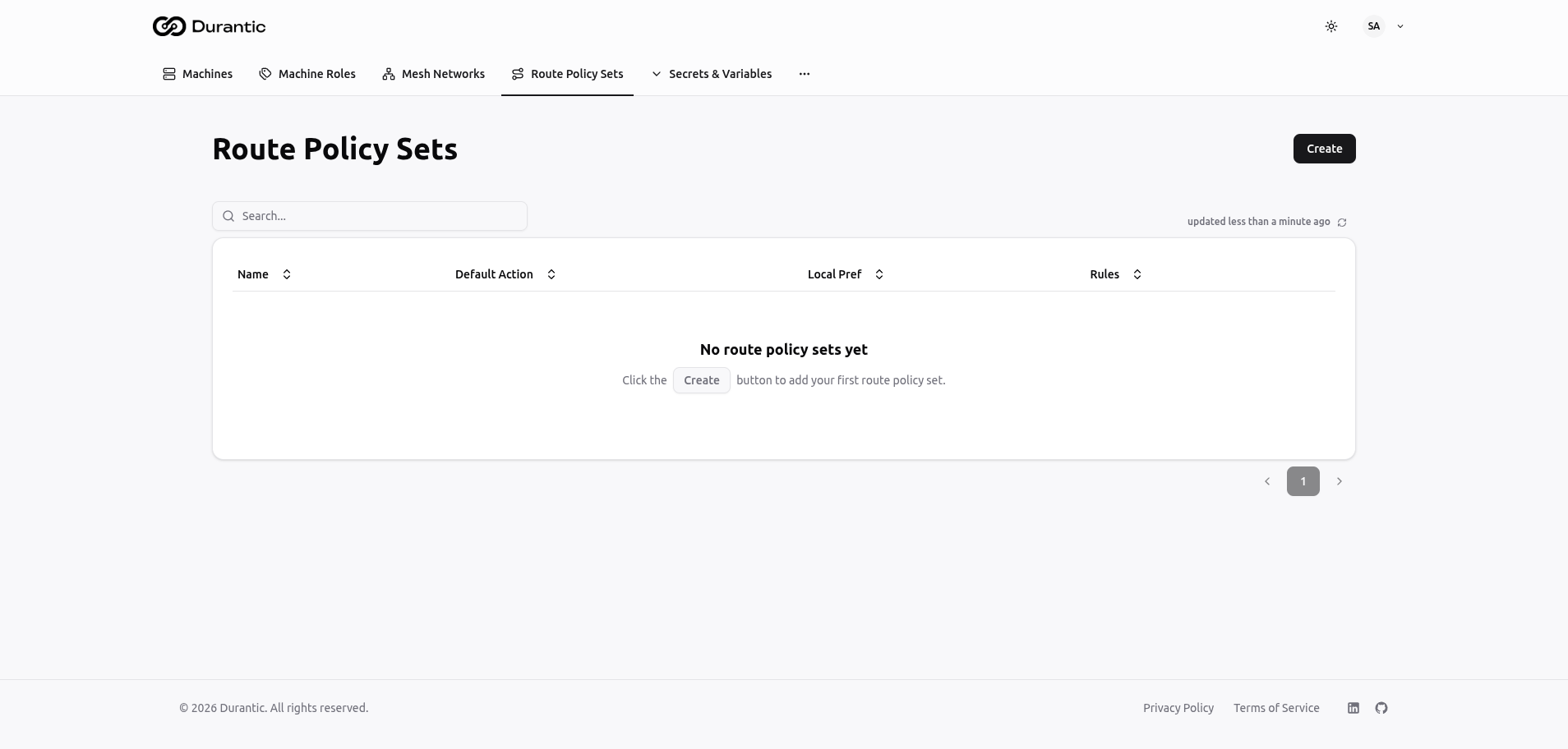
| Column | Description |
|---|---|
| Name | The policy set name |
| Default Action | What happens to routes that do not match any rule: Accept (allow the route) or Reject (drop the route) |
| Local Pref | The default Local Preference value applied to matching routes |
| Rules | The number of rules defined in this policy set |
Click Create in the top-right corner to add a new policy set. Click a policy set name to view or edit it. The three-dot menu on each row provides options to delete the policy set.
When no policy sets exist, the page displays: "No route policy sets yet — Click the Create button to add your first route policy set."
Creating a Route Policy Set
When you click Create, a form appears with the following fields:
| Field | Description |
|---|---|
| Name | A unique name for the policy set. |
| Description | A human-readable description of the policy set's purpose. |
| Default Action | The action applied to routes that do not match any rule. Choose Accept to allow unmatched routes, or Reject to drop them. |
| Local Preference | The default Local Preference value. Higher values make routes more preferred. |
Rules
Rules are the building blocks of a route policy set. Each rule specifies match conditions and actions. Rules are evaluated in order by their sequence number — the first matching rule wins.
Rule Fields
| Field | Description |
|---|---|
| Sequence | A numeric value that determines the evaluation order. Lower numbers are evaluated first. |
| Action | What to do when the rule matches: Accept or Reject. |
Match Conditions
Each rule can have one or more match conditions. A route must satisfy all conditions in a rule for the rule to match.
| Condition | Description |
|---|---|
| Prefix List | Match routes whose prefix falls within the specified list of CIDRs. |
| Community | Match routes tagged with specific BGP community values. |
| AS Path Regex | Match routes whose AS path matches a regular expression pattern. |
Actions
When a rule matches, in addition to accepting or rejecting the route, it can modify BGP attributes:
| Action | Description |
|---|---|
| Set Local Preference | Override the Local Preference value for the matched route. Higher values are more preferred. |
| Set MED | Set the Multi-Exit Discriminator value. Lower MED values are preferred when comparing routes from the same neighboring AS. |
| Set Communities | Add, remove, or replace BGP community tags on the route. |
| AS Path Prepend | Prepend one or more AS numbers to the AS path, making the route appear longer and less preferred to other routers. |
Example
A policy set that prefers routes from a specific community and rejects everything else:
- Rule 1 (Sequence 10) — Match community
65000:100, Action: Accept, Set Local Preference: 200 - Rule 2 (Sequence 20) — Match community
65000:200, Action: Accept, Set Local Preference: 100 - Default Action — Reject
In this example, routes tagged with community 65000:100 are accepted with high preference, routes with 65000:200 are accepted with lower preference, and all other routes are rejected.