BGP Routing
Overview
Durantic uses BGP (Border Gateway Protocol) for route distribution within and between mesh networks. Each Durantic agent runs an embedded BGP speaker that peers with other agents in the same mesh, enabling dynamic route advertisement, failover, and traffic engineering.
BGP integration is automatic — when machines join a mesh network, they establish BGP sessions with their peers and begin exchanging routes. You can then create announcements to advertise specific IPs or network prefixes, attach health checks, and apply route policies to control traffic flow.
BGP Announcements
Announcements tell the BGP speaker what routes to advertise to peers. Durantic supports two announcement types:
| Type | Purpose | Use Case |
|---|---|---|
| VIP (Virtual IP) | Advertises a single IP address with health checks | Floating IPs for high availability — the IP moves to a healthy machine if the primary fails |
| Route | Advertises a network prefix for static routing | Exposing a subnet behind a machine, such as a local network or container CIDR |
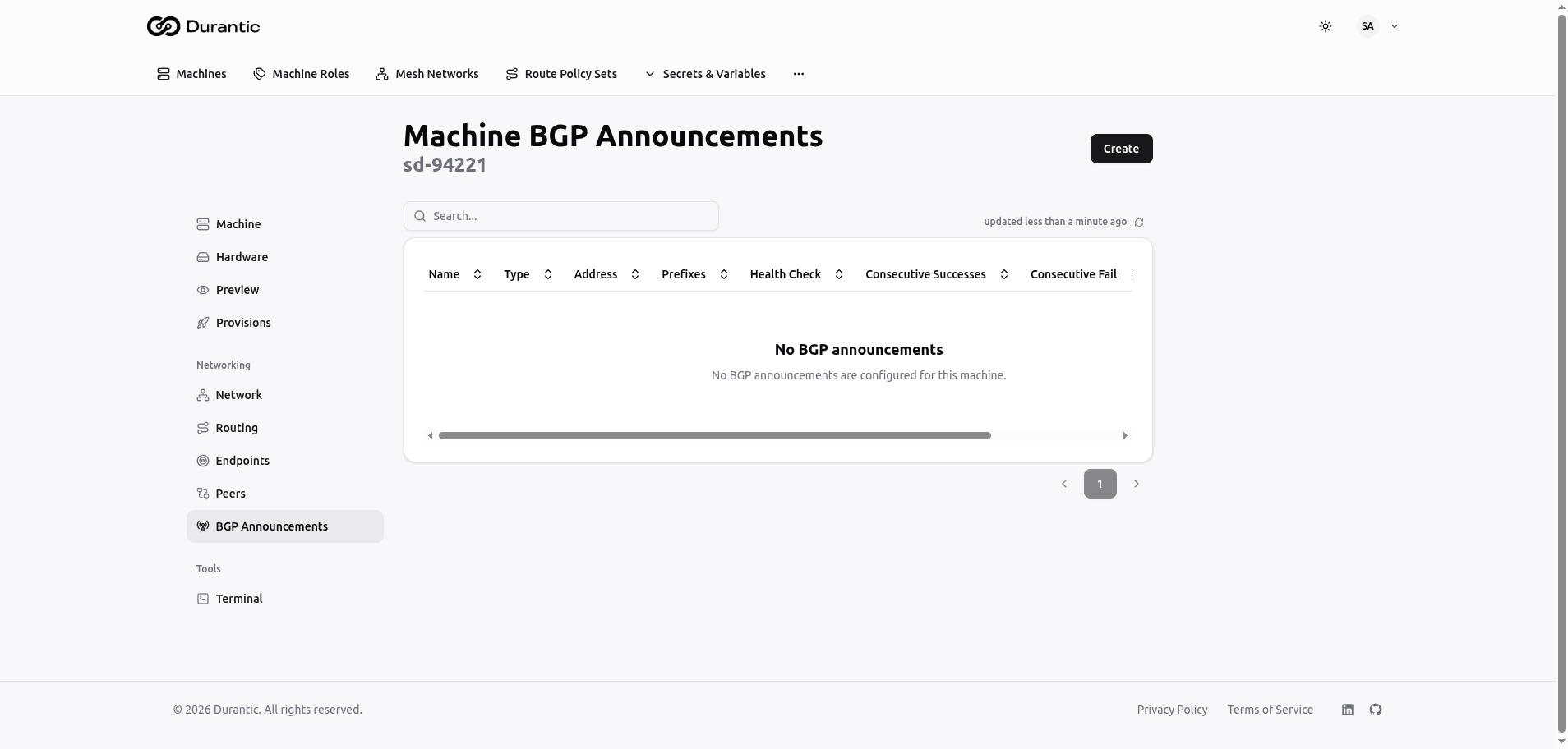
VIP Announcements
A VIP announcement advertises a single IP address (a /32 route) and ties it to a health check. If the health check fails, the machine withdraws the route and another machine advertising the same VIP takes over. This provides automatic failover without external load balancers.
Route Announcements
A route announcement advertises a network prefix (for example, 192.168.1.0/24). This is useful when a machine acts as a gateway to a local network and you want other machines in the mesh to know how to reach that network.
Health Checks
Announcements can be tied to health checks that determine whether a route should be advertised. A route is only announced to peers when its health check passes. If the check fails, the route is withdrawn.
Durantic supports four health check types:
| Check Type | Description |
|---|---|
| TCP | Attempts a TCP connection to a specified host and port. Passes if the connection succeeds. |
| HTTP | Sends an HTTP request to a URL. Passes if the response status code is in the expected range. |
| gRPC | Performs a gRPC health check against a service endpoint. |
| Exec | Runs a command on the machine. Passes if the command exits with code 0. |
Health check behavior is configurable:
| Setting | Description |
|---|---|
| Interval | How often the check runs |
| Timeout | Maximum time to wait for a check to complete |
| Healthy threshold | Number of consecutive successes before the route is announced |
| Unhealthy threshold | Number of consecutive failures before the route is withdrawn |
Route Policy Sets
Route policy sets give you fine-grained control over how routes are accepted, modified, and distributed. A policy set is an ordered list of rules, each with match conditions and actions.
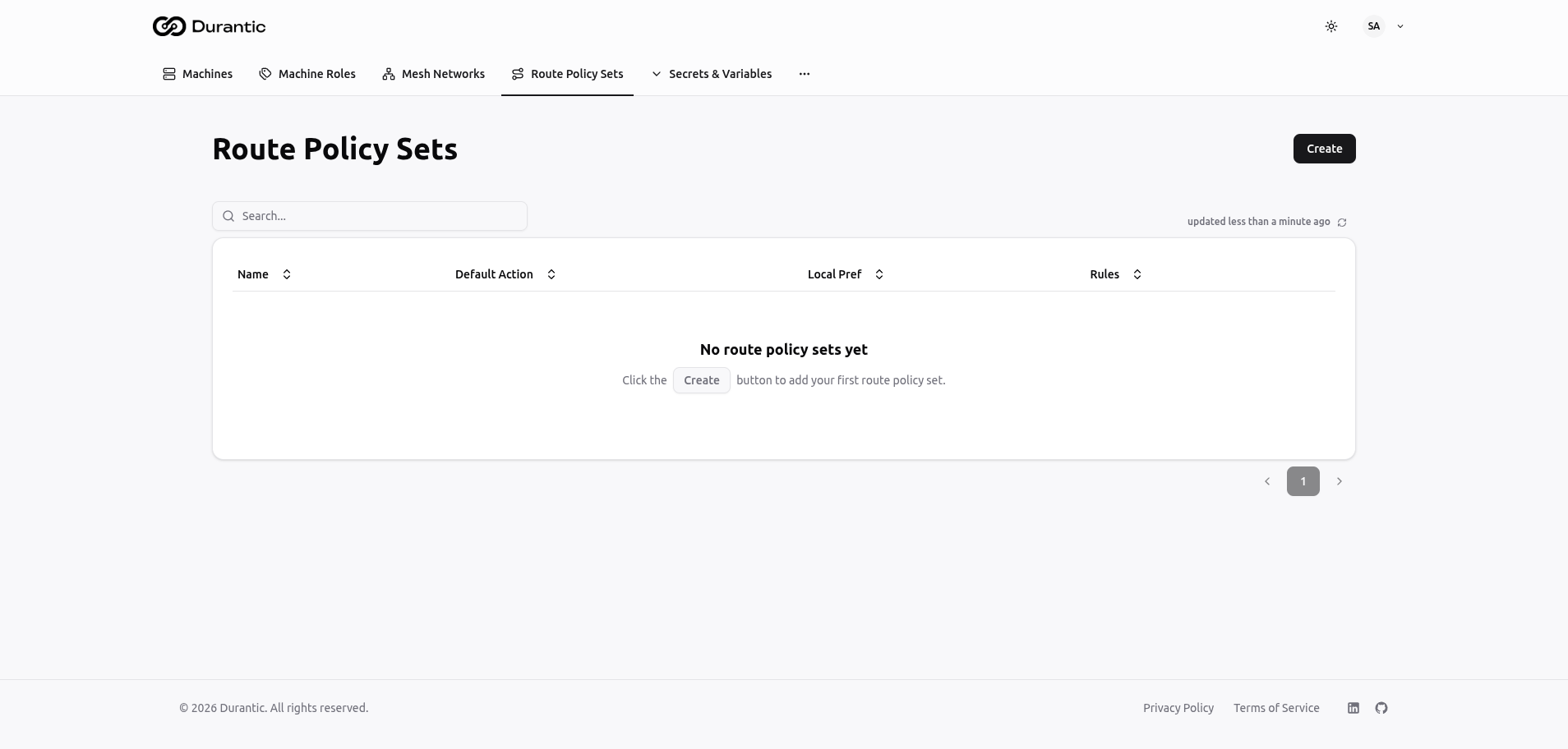
Match Conditions
Each rule can match routes based on:
| Condition | Description |
|---|---|
| Prefix list | Match routes whose destination falls within specified CIDR ranges |
| Community | Match routes tagged with specific BGP community values |
| AS path regex | Match routes whose AS path matches a regular expression |
Actions
When a rule matches, it can modify the route attributes:
| Action | Description |
|---|---|
| LOCAL_PREF | Set the local preference value to influence path selection (higher is preferred) |
| MED | Set the Multi-Exit Discriminator to influence inbound path selection from external peers |
| Communities | Add, remove, or replace BGP community tags on the route |
| AS prepend | Prepend AS numbers to the AS path to make a route less preferred |
Import and Export Policies
Policy sets are applied per machine as either import or export policies:
- Import policies — Applied to routes received from peers. Use these to filter or modify incoming routes before they enter the local routing table.
- Export policies — Applied to routes sent to peers. Use these to control which routes are advertised and how they appear to other machines.
Viewing the RIB
The Routing tab on a machine's detail page shows the machine's Routing Information Base (RIB) — all BGP routes known to this machine.
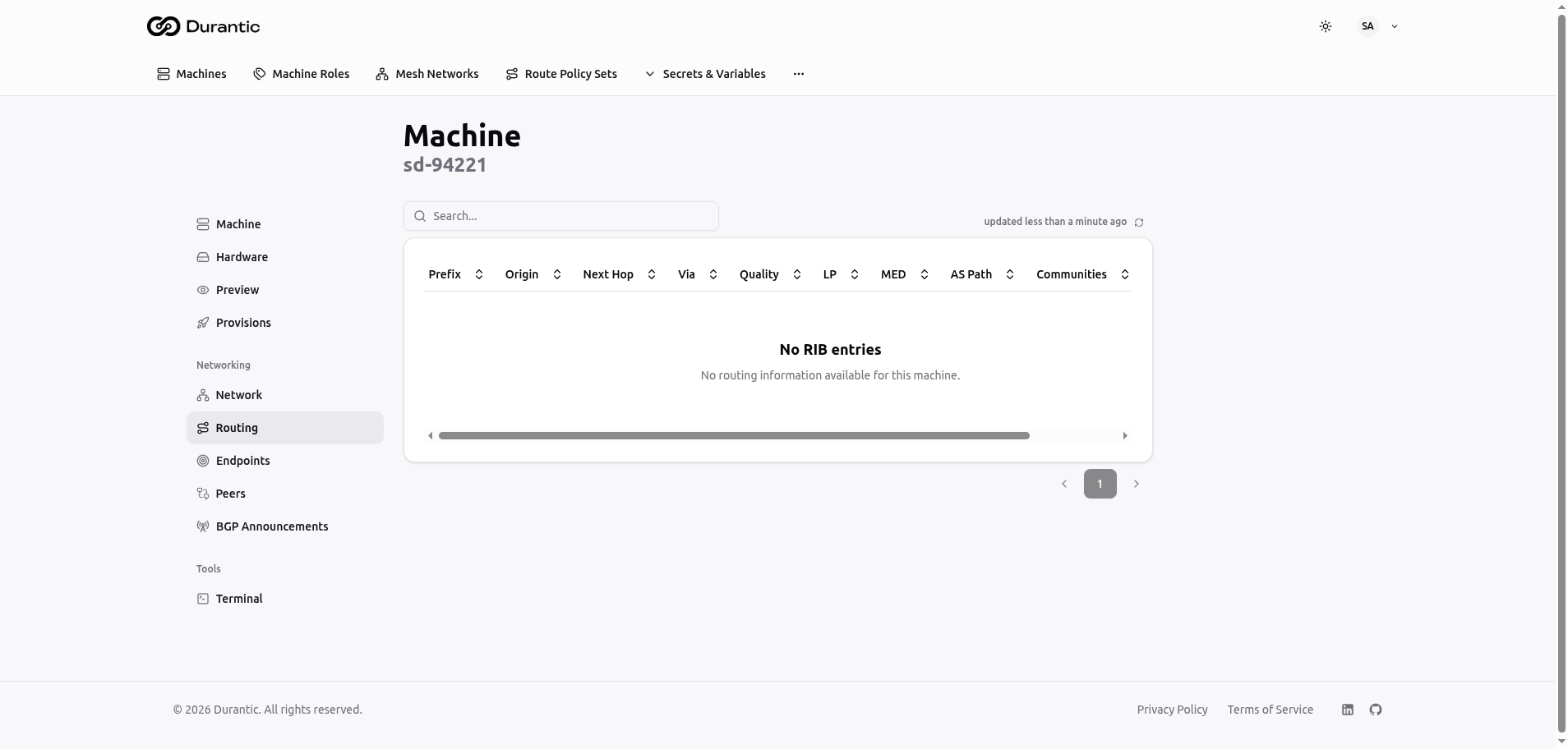
The RIB view includes:
| Column | Description |
|---|---|
| Destination | The network prefix |
| Best path | Highlighted to indicate the currently active route |
| Quality indicators | Visual indicators of route health and preference |
| AS path | The sequence of autonomous systems the route traverses |
| Communities | BGP community tags attached to the route |
Each route row is expandable to reveal alternative paths. When multiple paths exist for the same destination, you can see why the best path was selected and what alternatives are available.
Transit Routing
When two machines in a mesh cannot establish a direct WireGuard connection (for example, due to restrictive NAT on both sides), Durantic can route traffic through a third peer that has connectivity to both.
Transit routing is automatic. The agent detects when a direct path is unavailable and finds an intermediate peer to relay traffic. In the Peers tab, transit connections are displayed with a Transit path type, making it clear which connections are relayed.
Transit routing ensures full mesh connectivity even in challenging network environments, at the cost of slightly higher latency for the relayed connections.