Cloud-Init and the Role System
What is Cloud-Init?
Cloud-init is the industry standard tool for configuring Linux machines on first boot. It handles common setup tasks such as creating users, installing packages, writing files, running commands, and configuring network interfaces.
Durantic generates cloud-init configurations from your machine roles and delivers them during provisioning. When the machine boots into its new operating system, cloud-init reads this configuration and applies it automatically.
The Role System
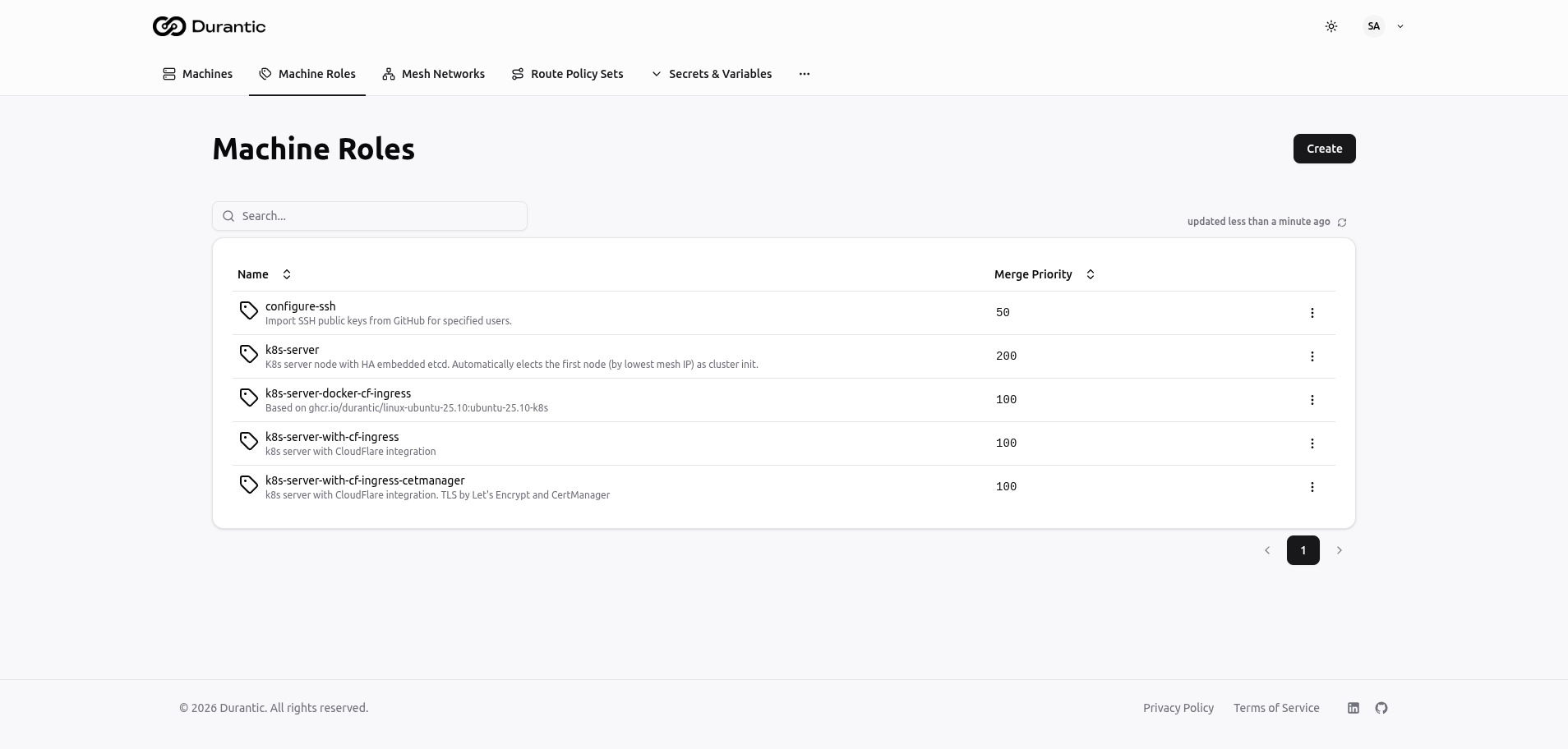
In Durantic, a role is a reusable configuration template that produces cloud-init YAML. Each role contains a Jinja2 template that is rendered at provisioning time with machine-specific context.
Roles are designed to be reusable — you write a role once and assign it to as many machines as needed. A machine can have multiple roles, and Durantic merges their outputs into a single cloud-init configuration.
Creating Effective Roles
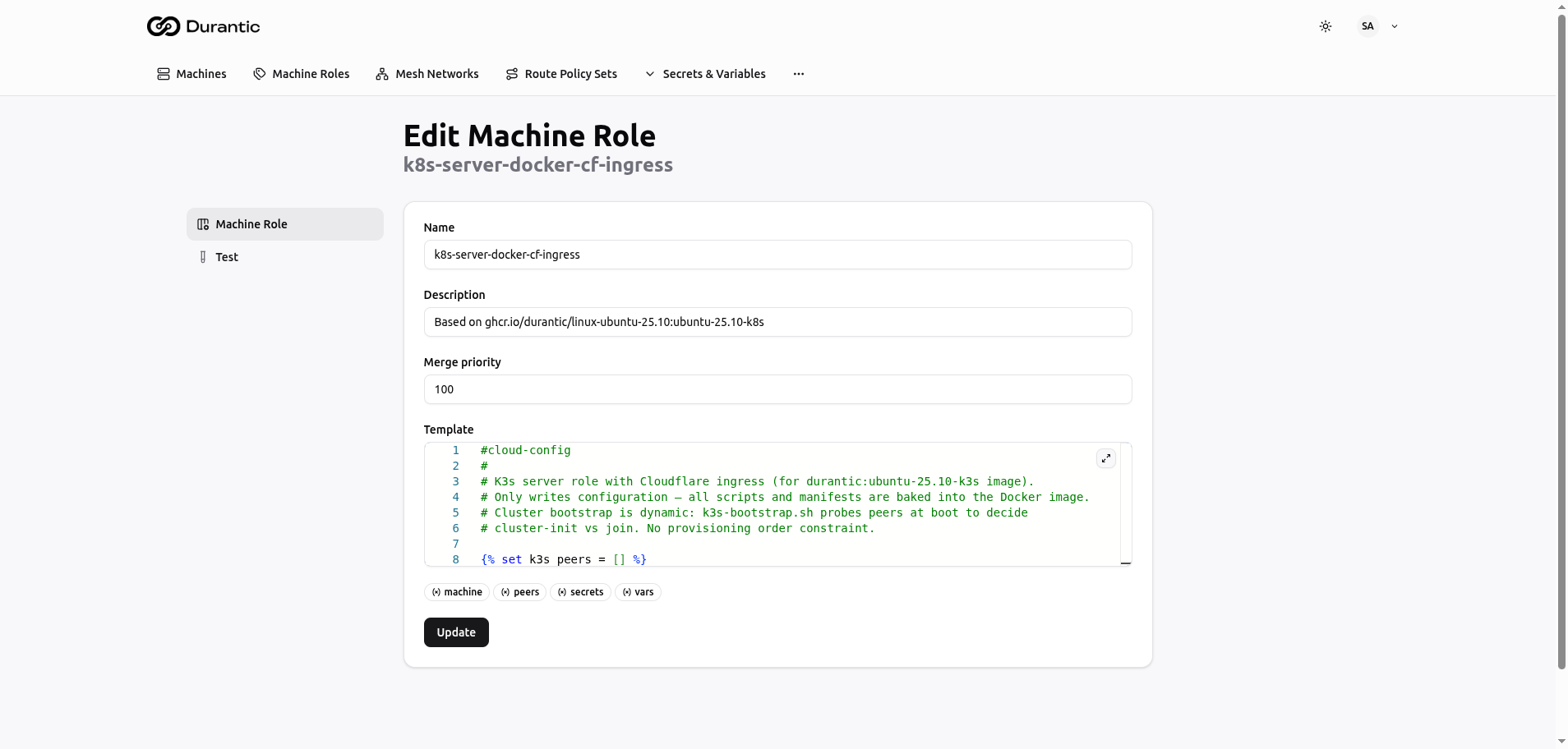
A role template is a Jinja2 file that outputs valid cloud-init YAML. Here is a basic example:
#cloud-config
users:
  - name: admin
    sudo: ALL=(ALL) NOPASSWD:ALL
    ssh_authorized_keys:
      - {{ vars.admin_ssh_key }}

packages:
  - curl
  - htop

runcmd:
  - systemctl enable --now docker
The {{ vars.admin_ssh_key }} expression is replaced at render time with the value of the admin_ssh_key variable defined in your account.
Merge Priority
When a machine has multiple roles, Durantic merges their cloud-init outputs based on each role's merge priority — a numeric value you assign to each role.
- Lower numbers are applied first.
- Higher numbers are applied on top, overriding conflicts.
For example:
| Priority | Role | Purpose |
|---|---|---|
| 0 | base-linux | Common packages, base users, SSH hardening |
| 100 | webserver | Nginx installation, firewall rules |
| 200 | tls-termination | Certificate files, HTTPS configuration |
This layered approach lets you compose machine configurations from small, focused roles rather than writing a single monolithic template.
Merge Rules
When two roles produce overlapping cloud-init sections, Durantic follows these merge rules:
| Data Type | Merge Behavior |
|---|---|
| Dicts (maps) | Deep recursive merge — keys from both roles are combined |
| Lists (arrays) | Concatenated — items from all roles are joined into one list |
| Scalars (strings, numbers, booleans) | Higher priority wins — the role with the higher priority number takes precedence |
Template Context
Role templates have access to a rich context when they are rendered. The following variables and objects are available inside your Jinja2 templates.
Machine Properties
| Variable | Description |
|---|---|
machine.hostname |
The machine's hostname |
machine.roles |
List of roles assigned to the machine |
machine.hardware.cpu |
CPU information |
machine.hardware.memory |
Memory capacity |
machine.hardware.storage |
Storage devices |
machine.hardware.gpu |
GPU information (if present) |
machine.interfaces |
Network interfaces and their addresses |
machine.mesh.ip |
The machine's mesh network IP (or None if not in a mesh) |
machine.mesh.cidr |
The mesh network CIDR |
machine.mesh.netmask |
The mesh network netmask |
Peers
The peers variable contains a list of all machines in the same mesh network as the current machine. This enables peer discovery patterns in your templates.
Variables and Secrets
| Syntax | Description |
|---|---|
vars.NAME |
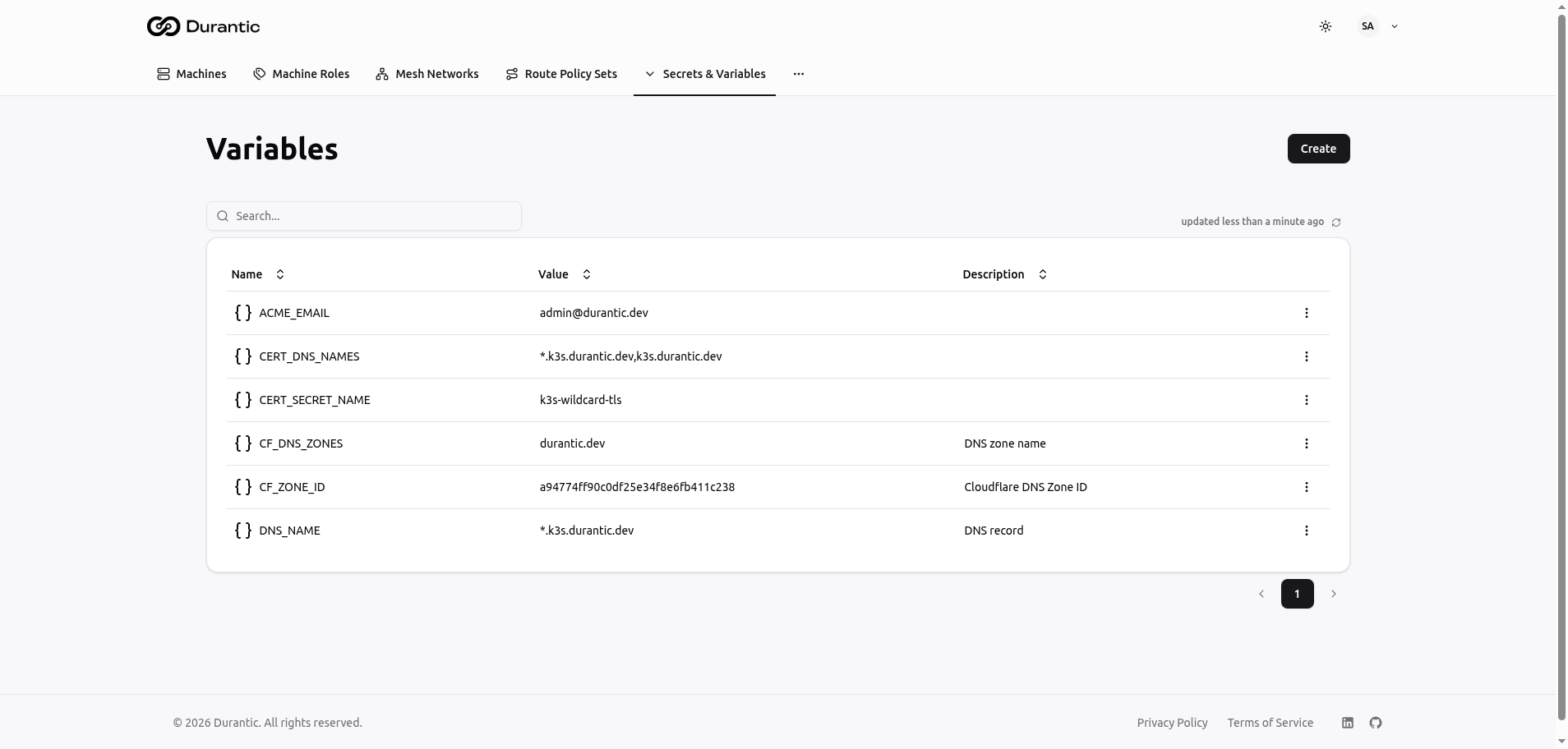
Plain-text variable defined in your account |
secrets.NAME |
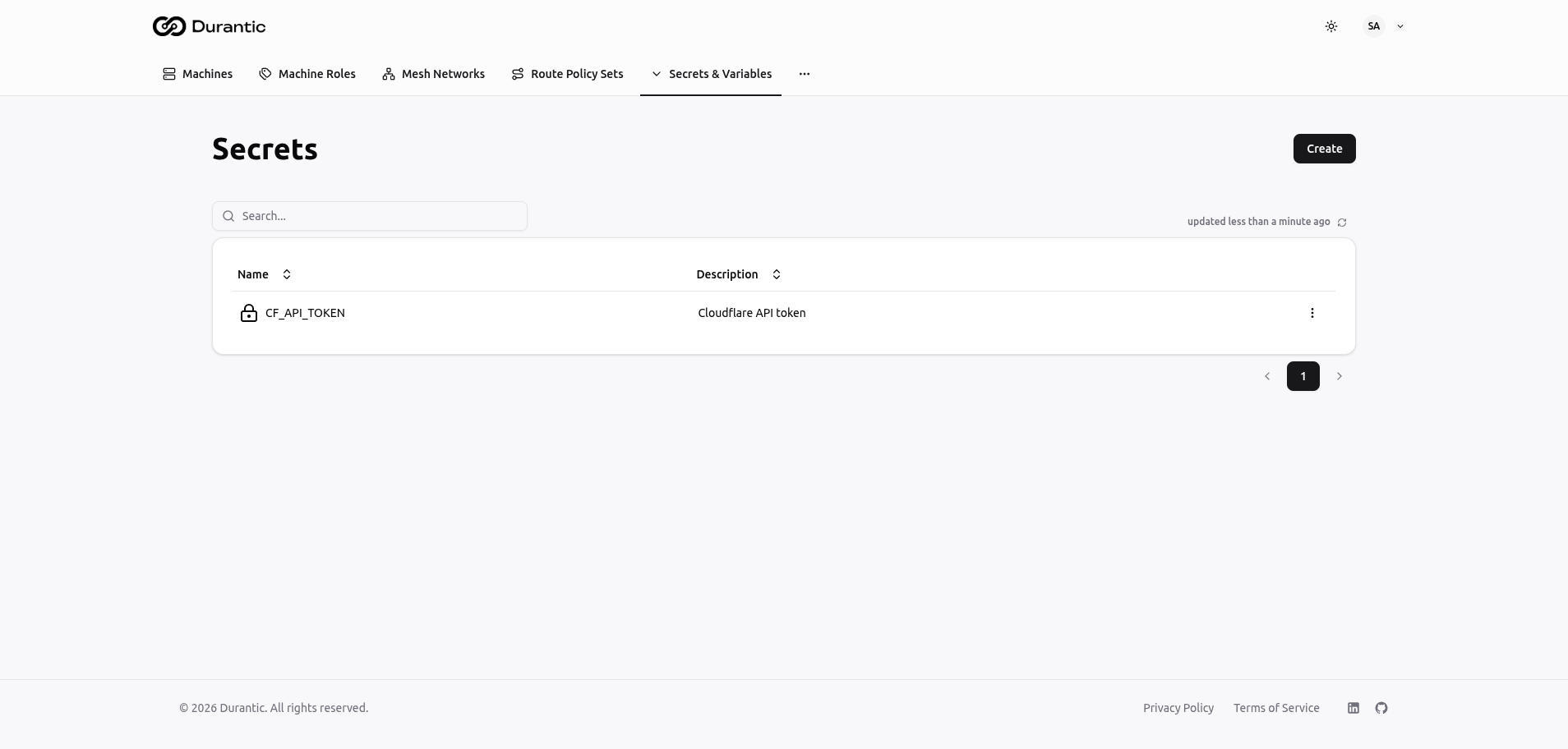
Encrypted secret, decrypted at render time by the control plane |
${secrets:backend:path:key} |
Agent-resolved secret — resolved on the machine itself, never passes through the control plane |
Peer Discovery Pattern
Use the peers list in your templates to dynamically discover related machines. Filter by role to find machines that serve a specific function:
#cloud-config
write_files:
  - path: /etc/app/cluster-nodes.conf
    content: |
      {% for peer in peers if 'database' in peer.roles %}
      node={{ peer.mesh.ip }}
      {% endfor %}
This pattern is useful for building cluster configurations, service discovery files, or load balancer backends without hardcoding IP addresses.
Roles Without Templates
A role does not need a template. Roles with no template act as tags — they exist for organizational purposes such as:
- Peer discovery — Other roles can filter
peersby this role name. - Dashboard grouping — Filter and search machines by role in the machines list.
- Policy targeting — Apply route policies or mesh rules based on role membership.
Previewing Configuration
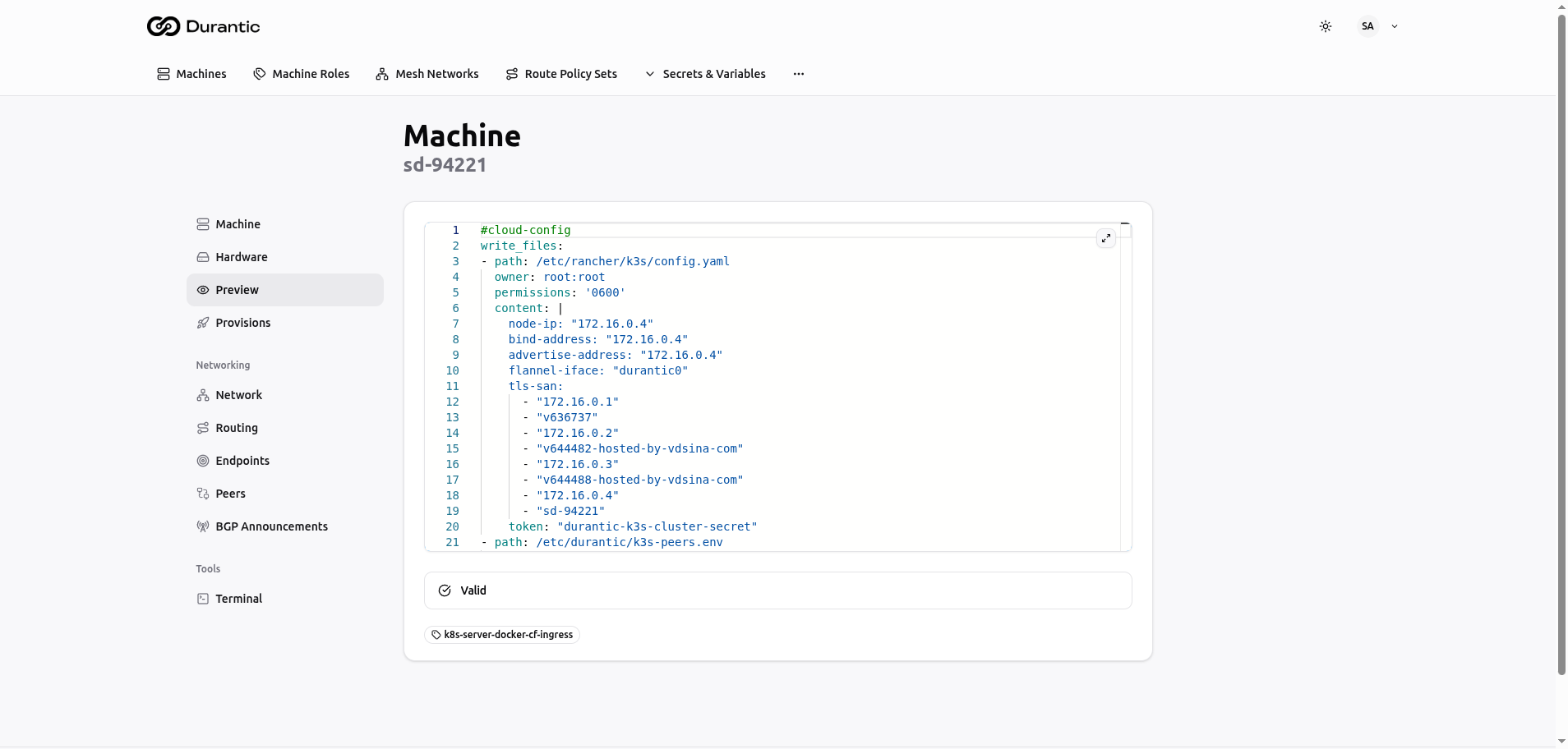
Before provisioning, you can preview the final merged cloud-init configuration that will be applied to a machine.
- Navigate to the machine's detail page.
- Open the Preview tab.
The preview shows the fully rendered and merged cloud-init YAML, with all Jinja2 expressions evaluated and all roles merged in priority order.
Testing Roles
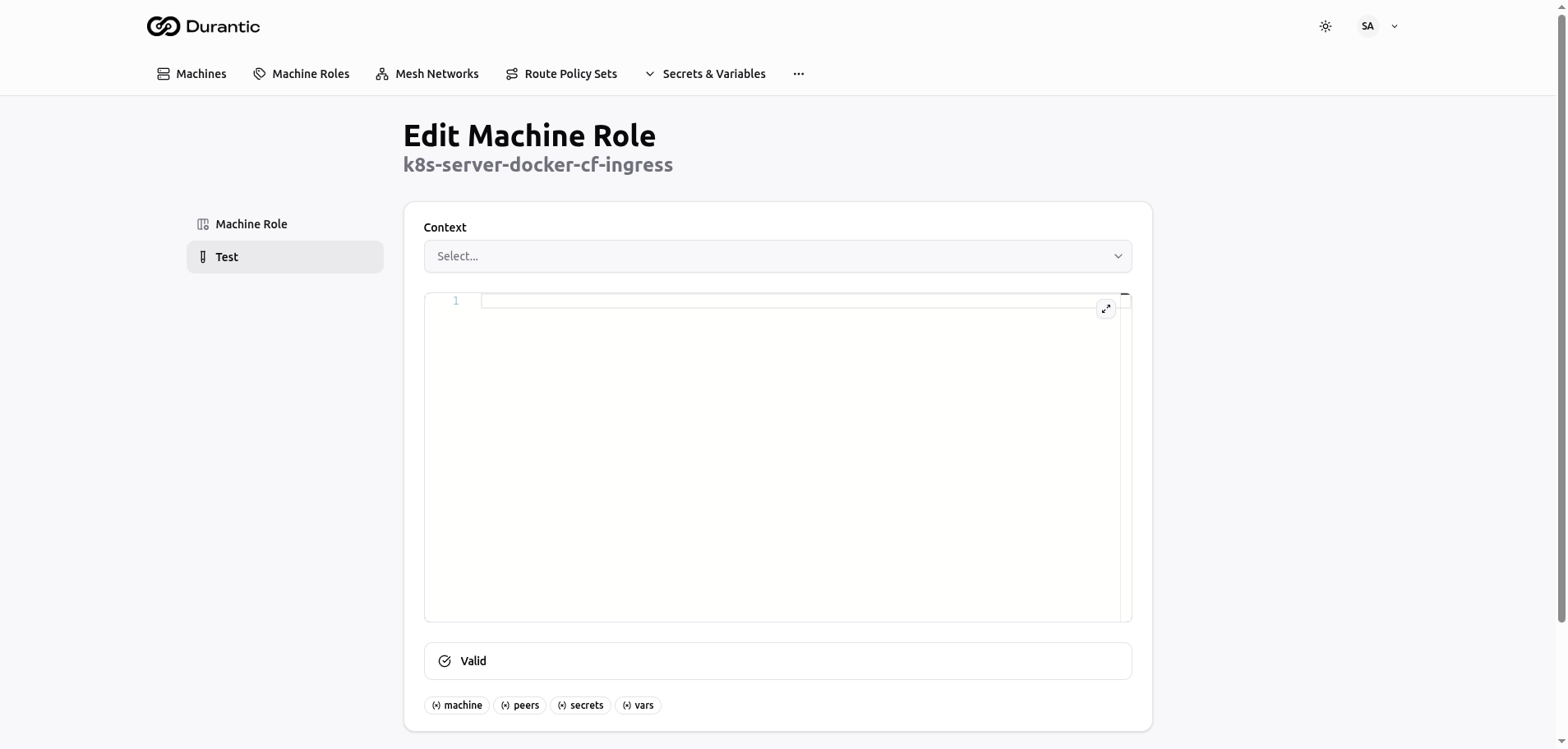
You can test a role template against a specific machine without triggering provisioning.
- Navigate to the role's detail page.
- Open the Test tab.
- Select a target machine.
- View the rendered output.
This lets you verify that your Jinja2 expressions resolve correctly and that the output is valid cloud-init YAML before applying it to real machines.
Using Variables and Secrets
Durantic provides three mechanisms for injecting dynamic values into your role templates:
Plain-Text Variables (vars)
Defined in the Variables section of the dashboard. Use these for non-sensitive configuration such as SSH public keys, domain names, or feature flags.
Encrypted Secrets (secrets)
Defined in the Secrets section of the dashboard. Values are stored encrypted and decrypted at render time by the control plane. Use these for passwords, API keys, or certificates that the control plane needs to embed into cloud-init.
Agent-Resolved Secrets (${secrets:...})
These references are not resolved by the control plane. Instead, the literal string is placed into the cloud-init configuration, and the agent resolves it on the machine itself. The secret value never passes through the control plane.
Use agent-resolved secrets when you need to reference secrets from an external secrets manager and want to ensure the control plane never has access to the plaintext value.