Remote Access
Terminal
Durantic provides a full interactive terminal directly in the dashboard, letting you access any managed machine's shell without SSH, VPNs, or port forwarding.
Opening a Terminal
- Navigate to the machine's detail page.
- Open the Terminal tab.
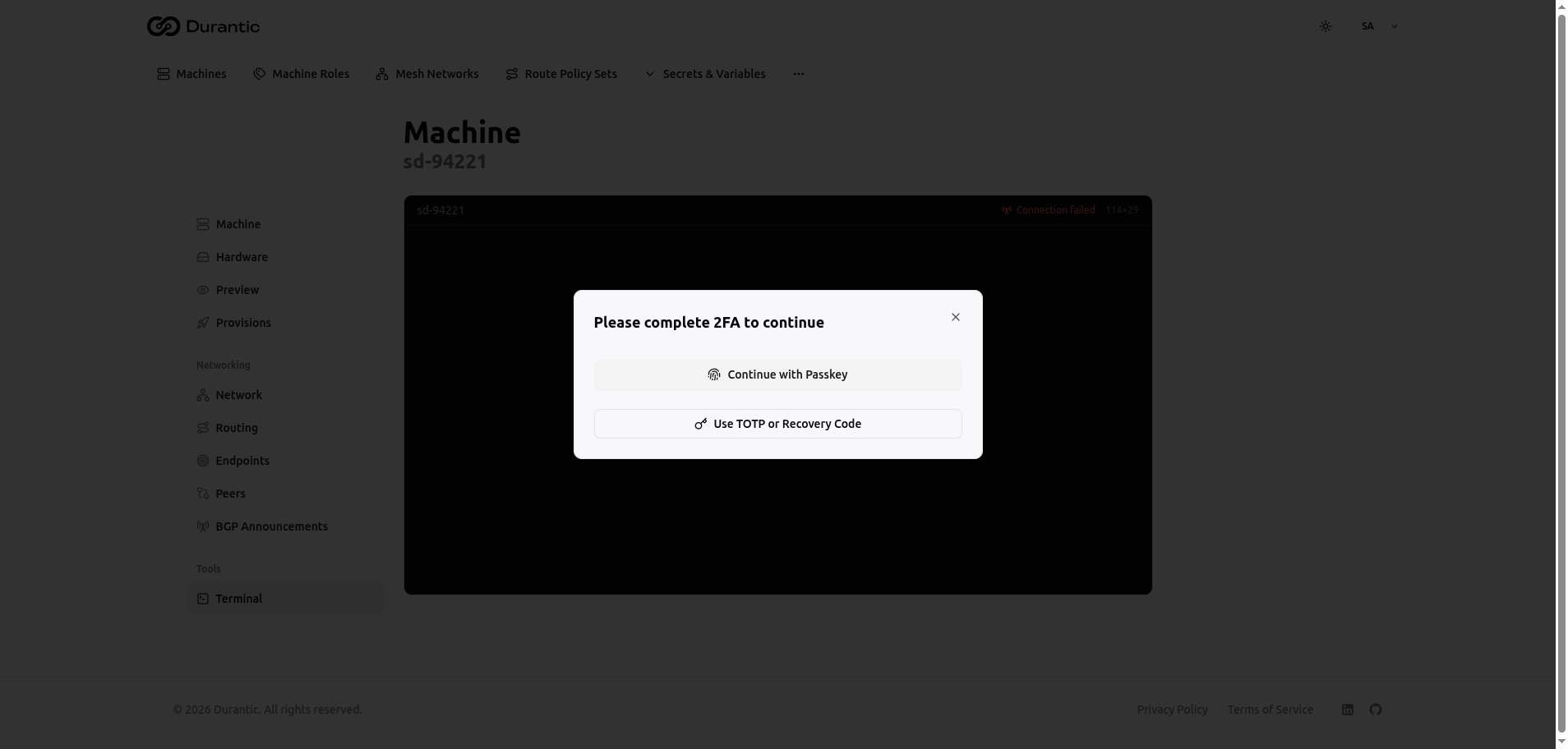
The terminal connects to the machine's agent and opens an interactive shell session.
Features
The terminal provides a complete PTY (pseudo-terminal) experience:
- Tab completion — Shell auto-completion works as expected.
- Colors — Full ANSI color support for tools like
htop,vim, and coloredlsoutput. - Reconnect — If the connection drops, use the Reconnect button to re-establish the session without navigating away.
- Connection status — A status indicator shows whether the terminal is connected, connecting, or disconnected.
Quick Access
You can open a terminal without navigating to the machine's detail page first:
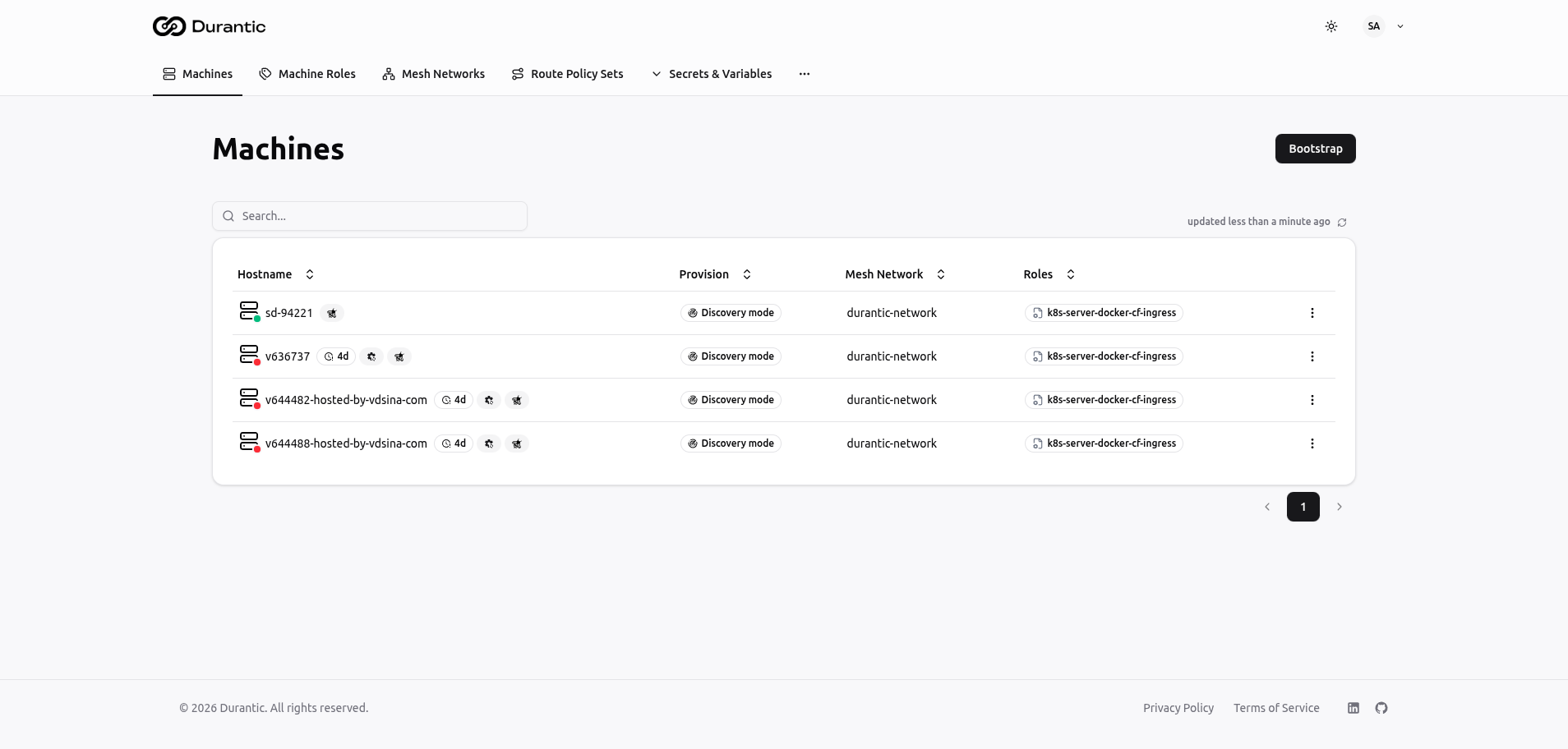
- Go to the Machines list.
- Find the machine in the list.
- Click the row action menu (on the right side of the row).
- Select Terminal.
This opens the terminal directly, which is useful when you need quick access across multiple machines.
Security
Terminal access is protected by additional security measures beyond your standard login session.
Step-Up Authentication
Opening a terminal requires a 2FA step-up authentication — even if you are already logged in. You must verify your identity using one of:
- Passkey — Authenticate with your registered WebAuthn device (hardware key, fingerprint, or platform authenticator).
- TOTP — Enter a six-digit code from your authenticator app.
This ensures that terminal access is explicitly authorized and cannot be obtained from a stolen session cookie alone.
One-Time Tokens
Each terminal session uses a one-time token with a 60-second TTL. The token is consumed when the terminal connection is established and cannot be reused. If the token expires before the connection is made, you must authenticate again.
Encrypted Transport
All terminal data is transmitted over mTLS (mutual TLS) between the dashboard, control plane, and agent. Data is encrypted in transit at every hop.
Command Execution via MCP
For programmatic or AI-assisted command execution, Durantic also supports running commands through the MCP (Model Context Protocol) server. This enables AI assistants to execute commands on your machines as part of automated workflows.
For details, see MCP Integration.