Registry Credentials
Registry Credentials store username and password pairs for authenticating to private OCI container registries. They are referenced by Images when the image is hosted in a registry that requires authentication.
Registry Credentials are managed from Secrets & Variables → Registry Credentials in the main menu.
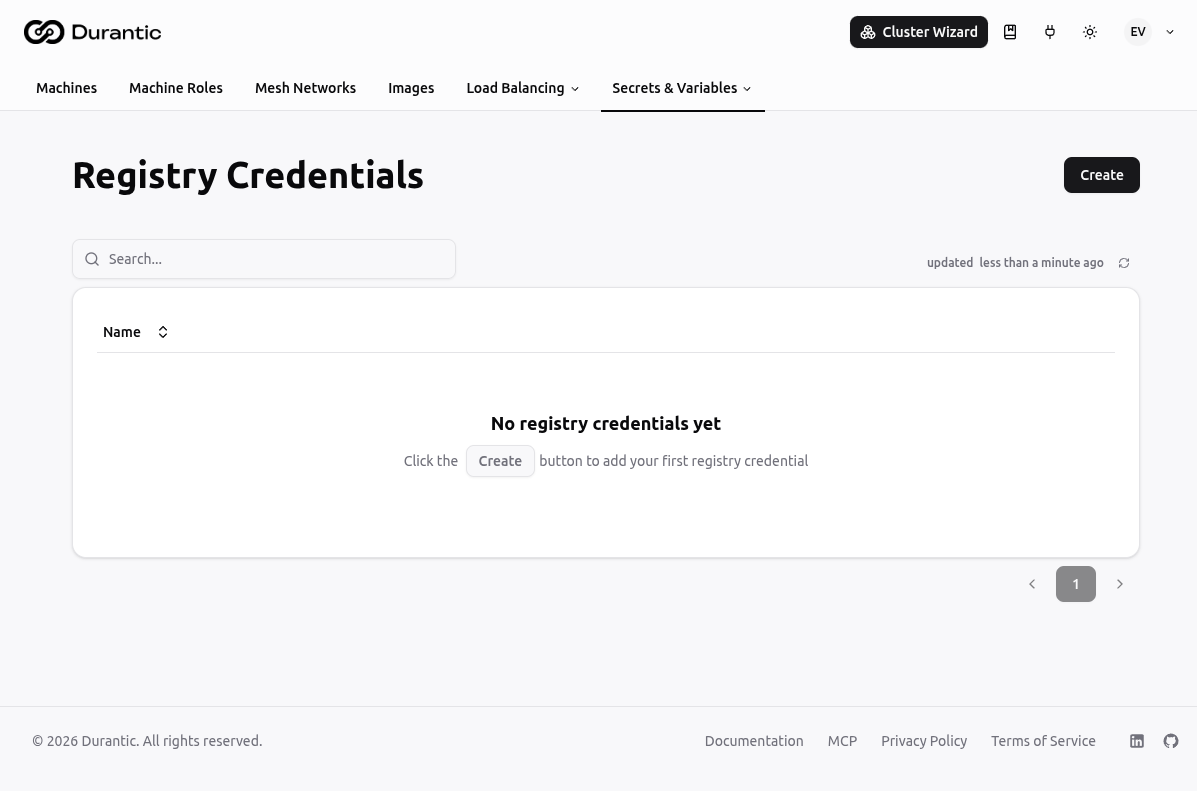
List Page
The Registry Credentials list shows all credentials in your account.
| Column | Description |
|---|---|
| Name | The credential name. |
Click any credential name to open its edit page. The three-dot menu on each row provides options to delete the credential.
Creating a Registry Credential
Click Create to open the creation dialog.
| Field | Description |
|---|---|
| Name | A unique name for this credential (e.g. ghcr-durantic). |
| Description | Optional description (e.g. which registry or team owns this credential). |
| Registry URL | The host of the container registry (e.g. ghcr.io, registry-1.docker.io, us-docker.pkg.dev). A scheme such as https:// is stripped automatically — the stored value is always a bare host. |
| Authentication method | Password / Token (username + password) or GCP service account key (see below). |
Password / Token (default)
| Field | Description |
|---|---|
| Username | The registry username or service account name. |
| Password | The registry password, personal access token, or access token. |
This covers virtually every registry — they all authenticate with a username and a token, where the username is often a fixed sentinel (e.g. AWS for ECR, $token for Quay).
GCP service account key
For Google Artifact Registry, choose GCP service account key. The username is fixed to _json_key, and you provide the raw service account key JSON — either paste it into the editor or click Upload .json key file to load it from disk. Use the whole key file (not just the private_key field).
This is the same credential cat KEY-FILE | docker login -u _json_key --password-stdin https://LOCATION-docker.pkg.dev uses; you do not need to base64-encode it.
Credentials are stored encrypted, the same way as Secrets. The password / key value is never displayed after creation.
Using Registry Credentials
Once created, a registry credential can be selected in the Docker Registry Auth field when creating or editing an Image. At provision time, the controlplane passes the credential to the agent so it can pull the image from the private registry.
Common registries that require credentials:
- GitHub Container Registry (GHCR): use your GitHub username and a personal access token with
read:packagesscope. - Docker Hub private repositories: use your Docker Hub username and an access token.
- Amazon ECR: use the output of
aws ecr get-login-passwordas the password, withAWSas the username. Note the token is short-lived (~12h), so it must be refreshed. - Google Artifact Registry: choose the GCP service account key method and upload the service account key JSON.
- Self-hosted registries: use the credentials configured on your registry.
Related
- Images — OCI image catalog; references registry credentials for private images
- Secrets & Variables — Other encrypted credential storage