Routes
Routes let you announce network prefixes (CIDR blocks) from your machines into the BGP mesh. Unlike VIPs — which advertise a single IP address — routes advertise entire subnets. When a machine is enabled and assigned to a route, it announces the prefixes to its BGP peers.
Routes are managed globally from Load Balancing → Routes in the main menu.
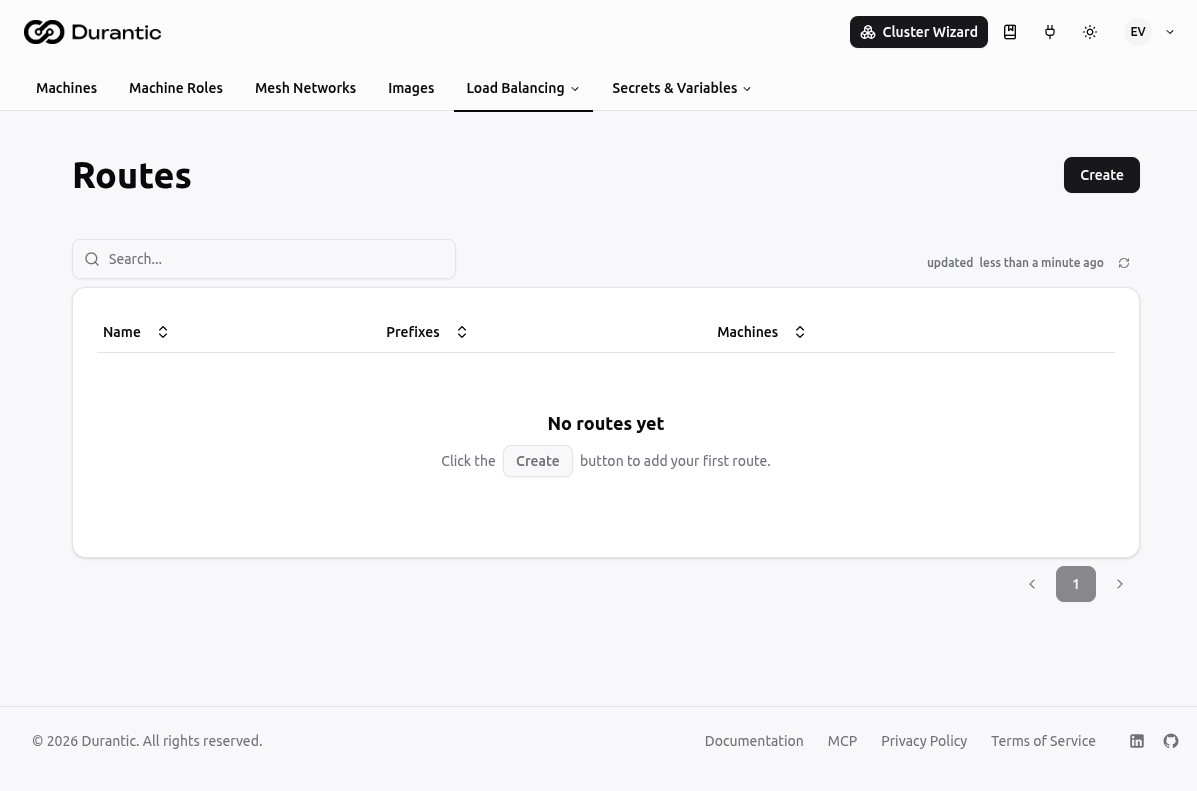
List Page
The Routes list shows all routes in your account.
| Column | Description |
|---|---|
| Name | The route name. |
| Prefixes | The CIDR prefixes being announced. |
| Machines | The machines assigned to announce this route. |
Click any route name to open its edit page. The three-dot menu on each row provides options to delete the route.
Creating a Route
Click Create to open the creation dialog.
| Field | Description |
|---|---|
| Name | A unique name for this route (e.g. office-subnet). |
| Enabled | Toggle to activate or deactivate the route without deleting it. |
| Prefixes | One or more CIDR blocks to announce (e.g. 10.10.0.0/16). Add multiple prefixes as needed. |
| Machine | Select which machines should announce this route. |
Routes do not have a health check — they are announced from any enabled, assigned machine as long as that machine is connected.
Per-Machine Routes
Each machine's detail page has a Routes tab (under Networking) that shows only the routes assigned to that specific machine. You can also create routes directly from that tab.
Related
- VIPs — Announce a single high-availability IP address instead of a prefix
- Route Policy Sets — Filter and manipulate BGP route advertisements
- Load Balancing — How load balancing and BGP integration work in Durantic